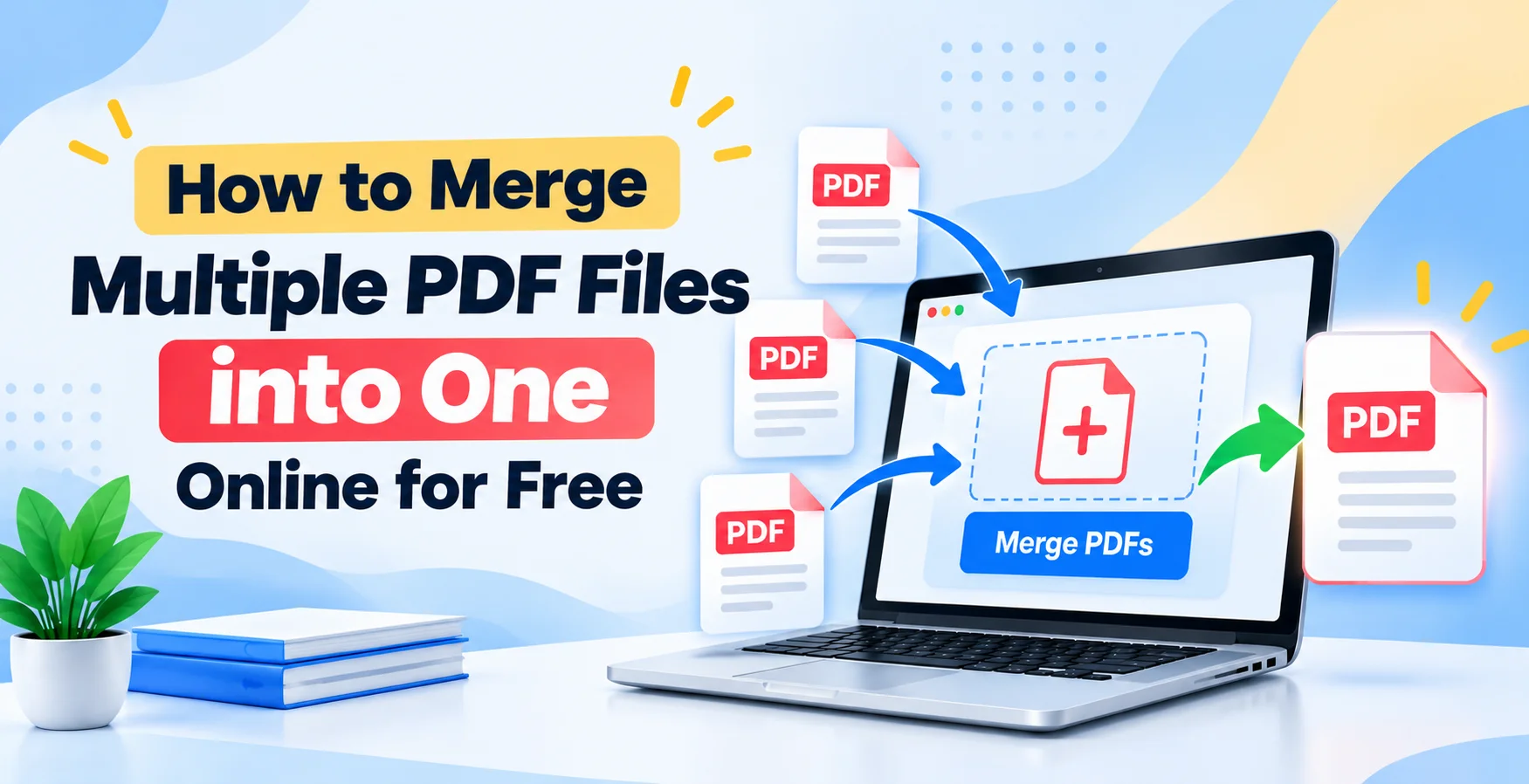
What Survives An RTF To PDF Conversion
RTF is reflowable text with instructions in it; a PDF is fixed pages. Converting between them is a translation, and knowing which half of the document crosses over saves a lot of surprise at the result.
Upload the .rtf, pick a page size and type size, and download the PDF.
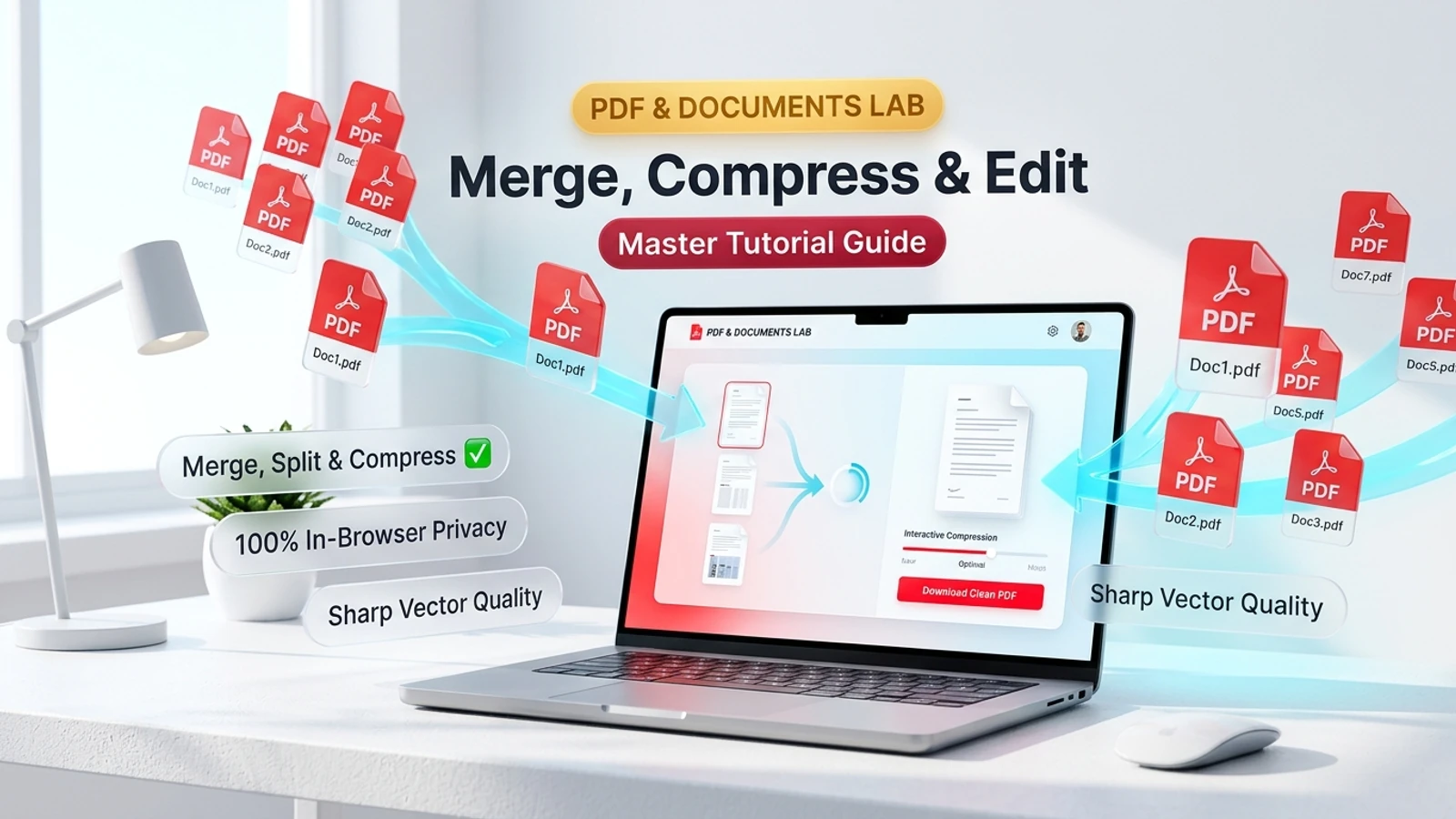
Workflow Lifecycle & Pipeline
Visual execution flow showing how RTF to PDF processes data directly in your local browser sandbox.
RTF to PDF Interactive Process Pipeline
Fast, zero-latency execution directly in your browser memory.
Before You Start
Ensure your source assets and browser environment meet the verified execution requirements.
Step-by-Step Instructions
Follow these verified steps to execute the task with RTF to PDF.
Add your RTF PDF
Open RTF to PDF and drop your PDF onto the page, or pick it from the file dialog. It reads RTF, up to 50 MB each.
contract.rtfChoose your 4 settings
Page size takes one of A4, US Letter, A5, Legal or A3, Body text size takes a number from 6 to 36, in steps of 0.5 and Margin takes a number from 18 to 144, in steps of 2. 1 more sit below. Leave them alone and RTF to PDF uses A4, 11 and 56.
Page size A4 · Body text size 11 · Margin 56Press Convert to PDF
Convert to PDF starts the work in this tab. Nothing is uploaded, so how long it takes is down to your own device.
Convert to PDFRTF to PDF runs on your deviceDownload the PDF
The result appears with a download button, as PDF. It was made on your device, so nothing has to be cleaned up afterwards.
Under the Hood: Binary Stream Parsing & Cross-Reference Mapping
PDF operations run client-side using WebAssembly-compiled byte interpreters. Rather than re-rendering pages on a remote server, the engine parses internal trailer dictionaries, cross-reference (xref) offset tables, and FlateDecode object streams entirely within local JavaScript memory.
Object Stream De-duplication
Embedded fonts, vectors, and ICC color profiles are referenced without duplicating overhead across pages.
Zero Server Persistence
Sensitive contracts, invoices, and IDs remain strictly encrypted in local memory and are purged on tab close.
Linearized Fast Web View
Byte structures are optimized for immediate page-by-page streaming in modern PDF readers.
Settings & Options Explained
Fine-tune quality, format, and compression parameters for your exact workflow.
Settings & Configuration Guide
| Setting | Recommended Value | How It Works & Impact |
|---|---|---|
| Page size | A4 | Takes one of A4, US Letter, A5, Legal or A3. Impact: Each option is a different page size; switching it changes the result, not the speed. |
| Body text size | 11 | Takes a number from 6 to 36, in steps of 0.5. Impact: The control runs from 6 to 36; 36 is as far as it goes. |
| Margin | 56 | 72pt is one inch. Takes a number from 18 to 144, in steps of 2. Impact: The control runs from 18 to 144; 144 is as far as it goes. |
| Line spacing | 1.35 | Takes a number from 1 to 2.5, in steps of 0.05. Impact: The control runs from 1 to 2.5; 2.5 is as far as it goes. |
Best Practices & Key Considerations
Avoid common quality pitfalls and maximize output performance.
Expert Recommendations
- Crosses over: the words, paragraph breaks, bold, italic, and heading levels where the document recorded them. Does not: the original fonts, the page layout, tables as grids, headers and footers, and images.
- The characteristic failure of a naive RTF reader is printing the groups that are not text — the font table, the colour table, the style sheet, the embedded image data. The result is a PDF with pages of control words before the first sentence. Those groups have to be consumed whole, and the count of what was skipped is worth reading.
- RTF has two character escapes and both matter. `\'xx` is a byte in the document's code page, which is Windows-1252 in practice. `\uN` is a Unicode code point followed by a fallback character for old readers — and that fallback has to be swallowed, or every accented letter appears twice, once right and once as a question mark.
- Images live in RTF as hex-encoded WMF or PNG inside a `\pict` group. They are not in the output here, and the tool says when the document had them — dropping them silently is the worse option.
- A .doc or .docx cannot be read by an RTF reader: one is a binary format and the other a ZIP of XML. Word and LibreOffice will both save as RTF if that is what you have.
Common Mistakes to Avoid
- Giving it a format it does not read — RTF are the ones it takes.
- Selecting several files at once; RTF to PDF works on one per run.
- Expecting Body text size to go past 36 — 6 to 36 is the range the control offers.
- Expecting Margin to go past 144 — 18 to 144 is the range the control offers.
Troubleshooting & Fixes
Quick solutions for common browser constraints, format issues, and edge cases.
Troubleshooting & Common Issues
RTF to PDF will not accept the file
Possible Cause: RTF to PDF reads RTF and nothing else.
The page stops responding part-way through
Possible Cause: 50 MB is the ceiling, and the work runs on your own machine, so a file near that size is limited by the memory this tab is allowed.
Only one of several files comes back
Possible Cause: RTF to PDF handles one file per run.
Body text size will not go above 36
Possible Cause: The control runs from 6 to 36.
Frequently Asked Questions
Everything you need to know about formats, privacy, and browser support.
Related Step-by-Step Guides
Explore companion workflows, optimization techniques, and verified tutorials.