Drop a file here
About Audio Channel Converter — Free Online Tool
Audio Channel Converter rewrites which channel goes where — stereo to mono, one side on its own, left and right swapped, or 5.1 folded down to stereo — and says what each of those actually does to the sound.
Every operation is a single pan filter, which is matrix mixing rather than a guess. Stereo to mono averages the two channels at 0.5 each rather than summing them, because summing two channels that both peak near full scale clips; the result is quieter than the sum and is not distorted. A surround downmix uses the standard coefficients — centre, LFE and the surrounds each folded in at 0.707, which is −3 dB, the same figures every receiver uses — followed by a limiter, because dialogue sits in the centre channel and a flat sum leaves speech either buried or clipping. Picking one side is a true single-channel extraction, not a mute. Output is 16-bit WAV, FLAC or MP3; the first two lose nothing beyond whatever the source had already lost.
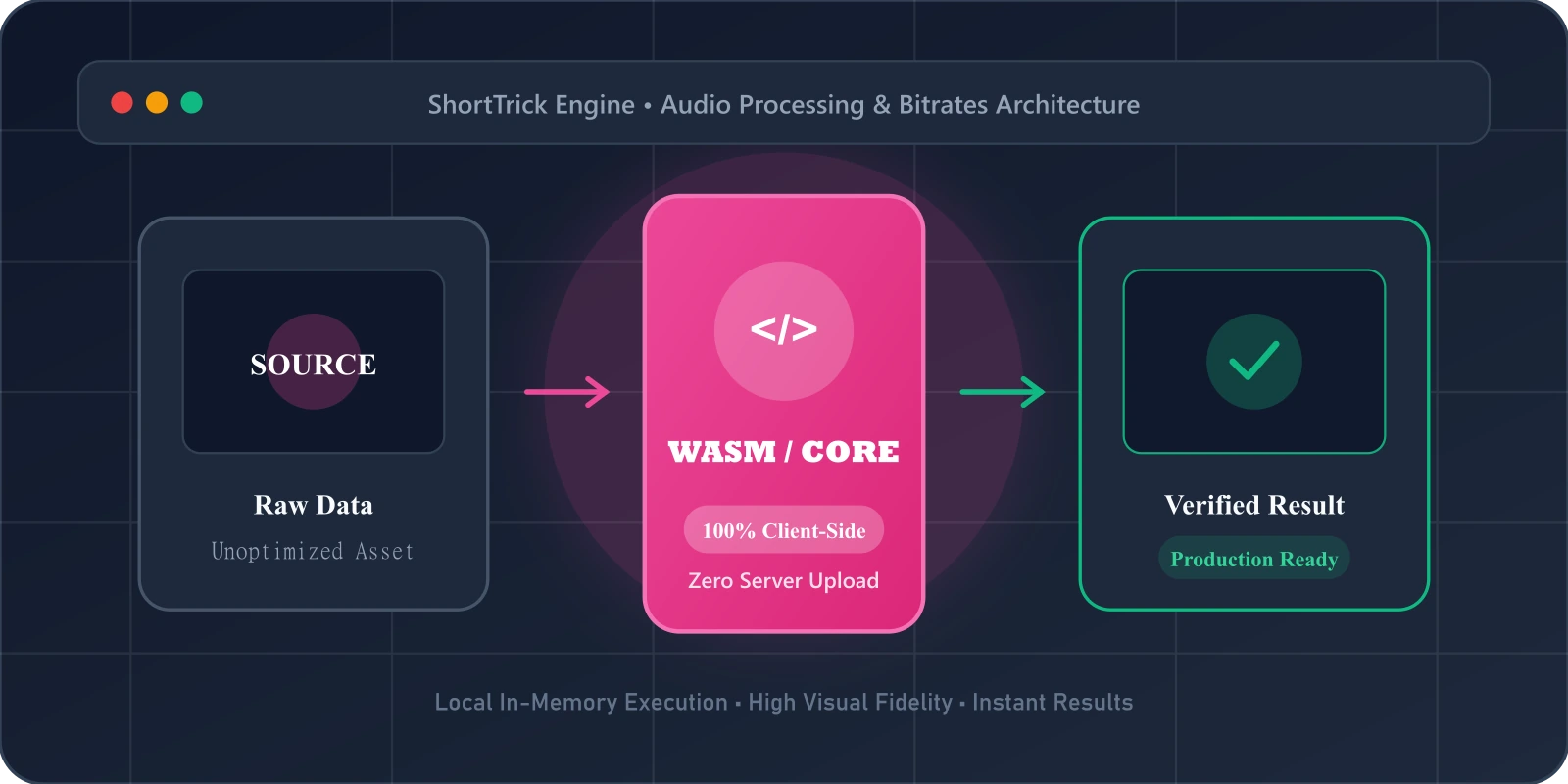
ffmpeg compiled to WebAssembly does the mixing in this tab. The file is not uploaded, which matters for an interview recording or anything under embargo.
Rescuing an interview recorded onto one channel of a stereo file, making a mono file for a player that expects two channels, checking whether a pair has been wired backwards, and folding a 5.1 film mix down for headphones.
Also known as: stereo to mono converter · mono to stereo · extract left channel · swap audio channels · audio downmix 5.1 to stereo · split stereo channels
When to use it
Channel problems are common and most of them are fixable in one pass — a mic recorded to one side only, a file that needs two channels for a player that demands them, a surround mix that has to work on headphones.
How it works
A pan filter maps inputs to outputs with explicit coefficients, and the result is written as WAV, FLAC or MP3. Nothing is resampled or re-timed.
Averaged, Not Summed
Stereo to mono halves each channel before adding them. Summing two channels that both peak near full scale would exceed full scale and clip, so the sum is not an option. The result is quieter than a sum and is undistorted, which is the right trade.
What Mono Costs You
Anything that was only in one channel survives at half its level. Anything recorded out of phase between the two channels cancels — so a stereo recording with a wide reverb sounds noticeably drier in mono. That is phase cancellation doing exactly what it must, not a fault in the conversion.
Mono To Stereo Is Dual Mono
The same signal is copied to both channels. That is what a player expecting two channels needs, and there is no width in it: nothing can recover a stereo image that was never recorded. The file is also roughly twice the size for identical sound, so if a player accepts mono, mono is the better file.
One Side Only Rescues A Bad Recording
An interview recorded with the mic in one input gives a stereo file with speech on the left and silence on the right. Pulling out the left channel as mono gives you a clean file; converting to mono by averaging would halve the speech level and add the dead channel's noise.
The Surround Coefficients
Centre, LFE and each surround are folded in at 0.707 — that is −3 dB — which is what the ITU and ATSC specify and what a receiver does. It matters because dialogue is almost entirely in the centre channel: a flat sum leaves speech either lost under the music or clipping. A limiter afterwards catches the peaks.
Choose A Lossless Output For Further Work
WAV and FLAC lose nothing beyond whatever the source had already lost. MP3 re-encodes, which adds a second generation of loss on top. For channel surgery on something you will edit again, pick WAV or FLAC.
How to Use Audio Channel Converter in 4 Easy Steps
Follow this simple guide to process your files in seconds directly inside your browser tab.
Select or Drop Your MP3/WAV/M4A
Drag and drop your MP3/WAV/M4A directly into the Audio Channel Converter workspace above or click 'Choose files'. You can process up to 1 file in a single run.
Set The Options
Audio Channel Converter gives you what to do, output format and mp3 bitrate. The defaults are chosen to suit the common case, so this step is optional.
Instant In-Browser Execution
The client-side engine executes Audio Channel Converter locally on your device hardware with zero server latency and 100% private in-memory sandboxing.
Preview & Download WAV
Inspect the processed file, compare file size savings or output quality, and click Download to save the finished WAV file directly to your disk.
Why Use Audio Channel Converter on ShortTrick
Engineered for maximum speed, strict privacy, and frictionless digital productivity.
Blazing Fast Engine
Powered by compiled WebAssembly code running directly in your browser with sub-second execution for Audio Channel Converter.
High-Fidelity Quality
Text, vector artwork and page structure are carried through as they are rather than flattened into pixels.
Generous 200 MB Size Limit
Handle files up to 200 MB and process up to 1 files in convenient batches with Audio Channel Converter.
100% Private & Local
Files processed with Audio Channel Converter never leave your computer or phone. No upload, no copy on a server, nothing for us to lose.
Supported Formats & Limits
Designed for high performance with browser-side memory guarantees.
200 MB
1
Frequently Asked Questions About Audio Channel Converter
Common questions regarding Audio Channel Converter, data privacy, file format compatibility, and usage limits.
Popular Searches & Related Tasks for Audio Channel Converter
Common search phrases, secondary format tasks, and workflows users reach for when using this tool.
Direct Variations & Search Synonyms (8)
Specific Workflows & Long-Tail Queries (15)
Semantic Standards & Technical Entities (20)
Audio Channel Converter compared with the closest alternatives
Only the specifications that actually differ between these 4 tools. Anything identical across all of them is left out rather than printed four times.
| Audio Channel Converter | Audio Converter | Audio Cutter & Ringtone Maker | Audio Joiner — Join Audio Files | |
|---|---|---|---|---|
| Accepts | MP3, WAV, M4A, FLAC +3 | MP3, WAV, M4A, FLAC +3 | MP3, WAV, M4A, FLAC +1 | MP3, WAV, M4A, FLAC +1 |
| Returns | WAV, MP3, FLAC | MP3, WAV, OGG, AAC | MP3, WAV, OGG, AAC +1 | MP3, WAV |
| Files at once | One | Up to 10 | One | Up to 15 |
| Largest file | 200 MB | 100 MB | 50 MB | 100 MB |
Related Audio & Music Tools & Popular Utilities
Explore complementary browser-based tools with zero file uploads and instant in-memory execution.
More Audio & Music Tools
Popular Tools Across Other Categories
Related Reading & Tutorials
Guides, articles, and best practices for audio & music workflows.