About Code to Image Converter — Free Online Tool
Code to Image Converter turns a snippet into a shareable card as SVG, with a window bar, optional line numbers and three themes.
Emits vector text rather than a raster, so the code stays selectable and the card is sharp at any zoom, at a few kilobytes rather than a few hundred.
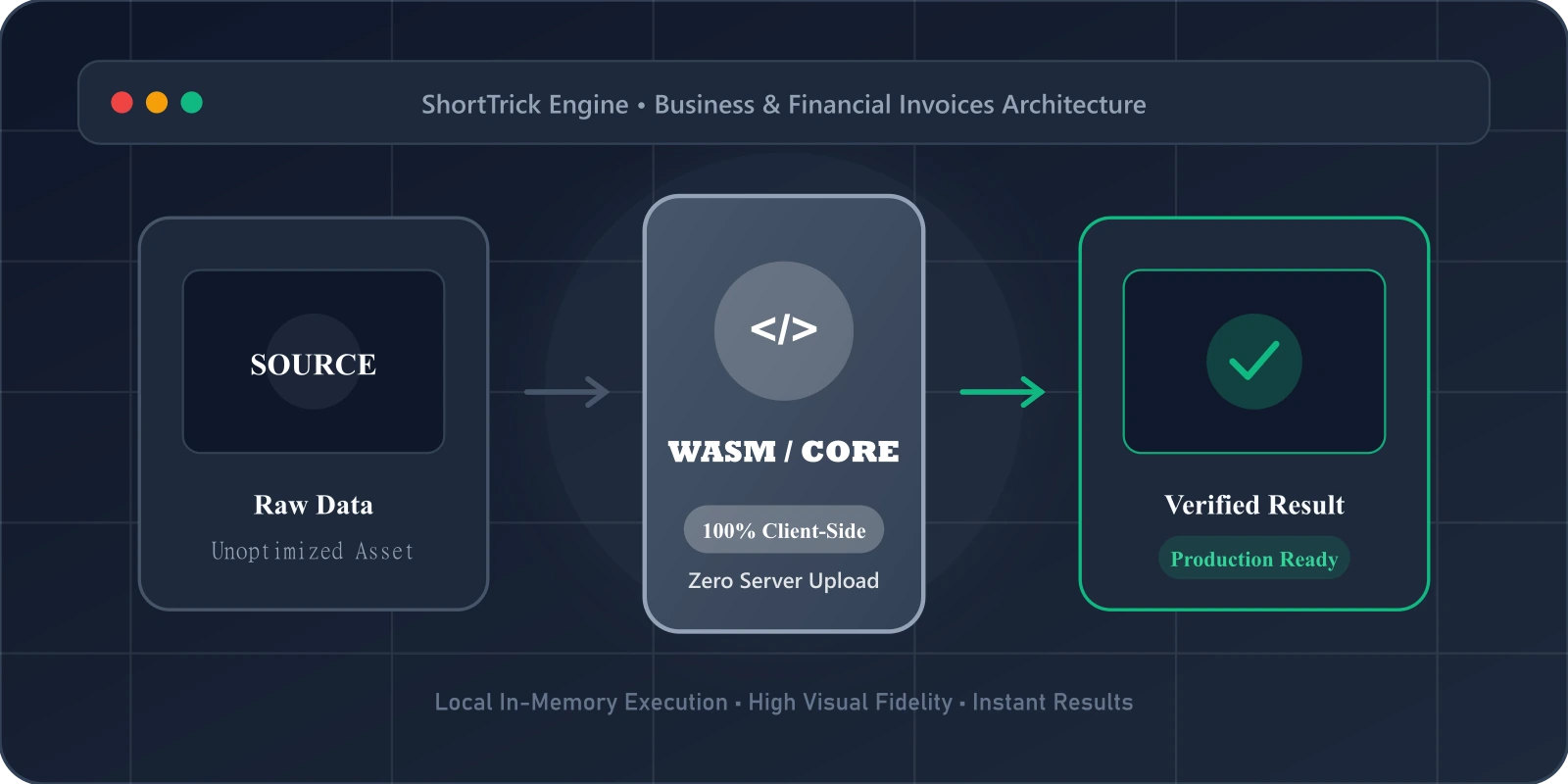
The card is built in this tab. Your code is never uploaded, which is the difference that matters when the snippet is from a private repository.
Sharing a snippet on social media, slides and documentation, a README header, and a bug report where the formatting must survive.
Also known as: code screenshot generator · carbon alternative code image
When to use it
A screenshot is fixed to the resolution it was taken at and the code inside it is gone. A vector card scales, and the text is still text.
How it works
Each line becomes an SVG text element in a monospace stack, with a coarse highlighting pass over strings, comments, numbers and common keywords.
The Highlighting Is Deliberately Coarse
Strings, comments, numbers and a shared keyword list across several languages. It is not a parser, and a regex pretending to be one is how a tool quietly mis-colours half a file — a hash inside a string treated as a comment, a keyword inside a variable name highlighted. Comments win over everything else on their line, because that is the most visible failure. If you need exact per-language colouring, this is the wrong tool.
Your Code Does Not Leave The Page
Most code-card services send the snippet to a server to render. That is fine for a public example and not fine for anything from a private repository, which is a distinction people make after pasting rather than before. This runs in the tab, so there is nothing to think about.
SVG Means The Font Has To Exist
Because the text is real text, the viewer needs a monospace font. The stack falls back through the usual system choices, so it will render sensibly anywhere, but the card may not be pixel-identical on another machine. If you need that guarantee, open the SVG and export a PNG.
How to Use Code to Image Converter in 4 Easy Steps
Follow this simple guide to process your files in seconds directly inside your browser tab.
Enter Input for Code to Image Converter
Provide your input data or parameters in the workspace above. A card generator for code snippets, producing a vector image with a window bar, a theme and optional line numbers.
Configure Options
Adjust available settings to match your requirements. A screenshot is fixed to the resolution it was taken at and the code inside it is gone. A vector card scales, and the text is still text.
Process Instantly
Execute Code to Image Converter locally in your browser with immediate real-time feedback.
Review & Copy Result
Copy or download your finalized results directly to your device.
Why Use Code to Image Converter on ShortTrick
Engineered for maximum speed, strict privacy, and frictionless digital productivity.
Blazing Fast Engine
Powered by compiled WebAssembly code running directly in your browser with sub-second execution for Code to Image Converter.
High-Fidelity Quality
Text, vector artwork and page structure are carried through as they are rather than flattened into pixels.
High-Performance Engine
Processes data in Code to Image Converter with sub-second execution latency and zero artificial caps.
100% Private & Local
Files processed with Code to Image Converter never leave your computer or phone. No upload, no copy on a server, nothing for us to lose.
Frequently Asked Questions About Code to Image Converter
Common questions regarding Code to Image Converter, data privacy, file format compatibility, and usage limits.
Popular Searches & Related Tasks for Code to Image Converter
Common search phrases, secondary format tasks, and workflows users reach for when using this tool.
Direct Variations & Search Synonyms (8)
Specific Workflows & Long-Tail Queries (15)
Semantic Standards & Technical Entities (20)
Code to Image Converter compared with the closest alternatives
Only the specifications that actually differ between these 4 tools. Anything identical across all of them is left out rather than printed four times.
| Code to Image Converter | Pixel Art Converter | SVG Stroke to Fill Converter | QR Code Scanner | |
|---|---|---|---|---|
| Accepts | TXT | JPG, PNG, WEBP | SVG, TXT | PNG, JPG, WEBP, GIF |
| Returns | SVG | PNG, JPG, WEBP | SVG | TXT |
| Largest file | — | 25 MB | — | 20 MB |
Related Image & Graphics Tools & Popular Utilities
Explore complementary browser-based tools with zero file uploads and instant in-memory execution.
More Image & Graphics Tools
Popular Tools Across Other Categories
Related Reading & Tutorials
Guides, articles, and best practices for image & graphics workflows.

How to Turn a Code Snippet into a Shareable Image