Drop a file here
About QR Code with Logo — Free Online Tool
QR Code with Logo places your logo in the centre at maximum error correction, refuses a logo large enough to make the code unreliable, and decodes the finished image to prove it still scans.
Forces error correction level H, computes the logo’s share of the code area rather than its width, and verifies the output by decoding it back and comparing against the input.
The content and the logo are processed in this tab. Neither is uploaded.
Branded codes for packaging, posters and business cards, a menu code that looks like the restaurant, and any printed code where appearance matters and reliability matters more.
Also known as: custom qr code · branded qr code generator · qr code logo maker · logo qr code
When to use it
Because a logo destroys part of the code, and most branded-QR tools will happily produce one that scans on your phone and fails on a third of your customers’.
How it works
The code is encoded at error correction level H, which recovers about 30% of lost modules. The logo is drawn centrally over a solid backing, and the result is decoded again to confirm it still returns the original content.
Area, Not Width — And The Difference Is Large
A logo at 20% of the code’s width covers 4% of its area, because a square’s area grows with the square of its side. At 26% of the width it is 6.8%. People reason about the width slider and are surprised either way — that a "small" 20% logo is nearly invisible, or how quickly the usable range runs out above it. The result reports both numbers, and the practical ceiling is 20% to 26% depending on how long your content is: a short URL tolerates more than a long one with tracking parameters on the end.
Level H Is What Pays For The Logo
QR codes carry Reed-Solomon error correction, and level H can reconstruct the code with about 30% of its modules unreadable. That is the budget the logo spends. Level H also makes the code denser for the same content, which is the trade: a branded code has more, smaller modules than a plain one holding the same URL, so it needs to be printed slightly larger to stay readable.
The Output Is Decoded Again Before You Get It
Having error correction available is not the same as the code still working. The finished image is run back through a decoder here and compared against what you typed. If it does not come back identical, the tool refuses rather than handing you a file — because the failure mode of a branded QR code is that it scans for the person who made it and not for everyone else, and that is only discovered after the print run.
Test The Print, Not Just The Screen
A code that decodes perfectly on screen can fail on paper. Ink spreads, which thickens dark modules and closes the gaps between them; matte stock scatters light; a code under 2cm square strains most phone cameras regardless of correction level. Before any real print run, print one at final size and try it on two or three different phones, including an older one.
How to Use QR Code with Logo in 4 Easy Steps
Follow this simple guide to process your files in seconds directly inside your browser tab.
Select or Drop Your PNG/JPG/JPEG
Drag and drop your PNG/JPG/JPEG directly into the QR Code with Logo workspace above or click 'Choose files'. You can process up to 1 file in a single run.
Set The Options
QR Code with Logo gives you content to encode, size (px), logo width (% of code) and white padding around logo (%). The defaults are chosen to suit the common case, so this step is optional.
Instant In-Browser Execution
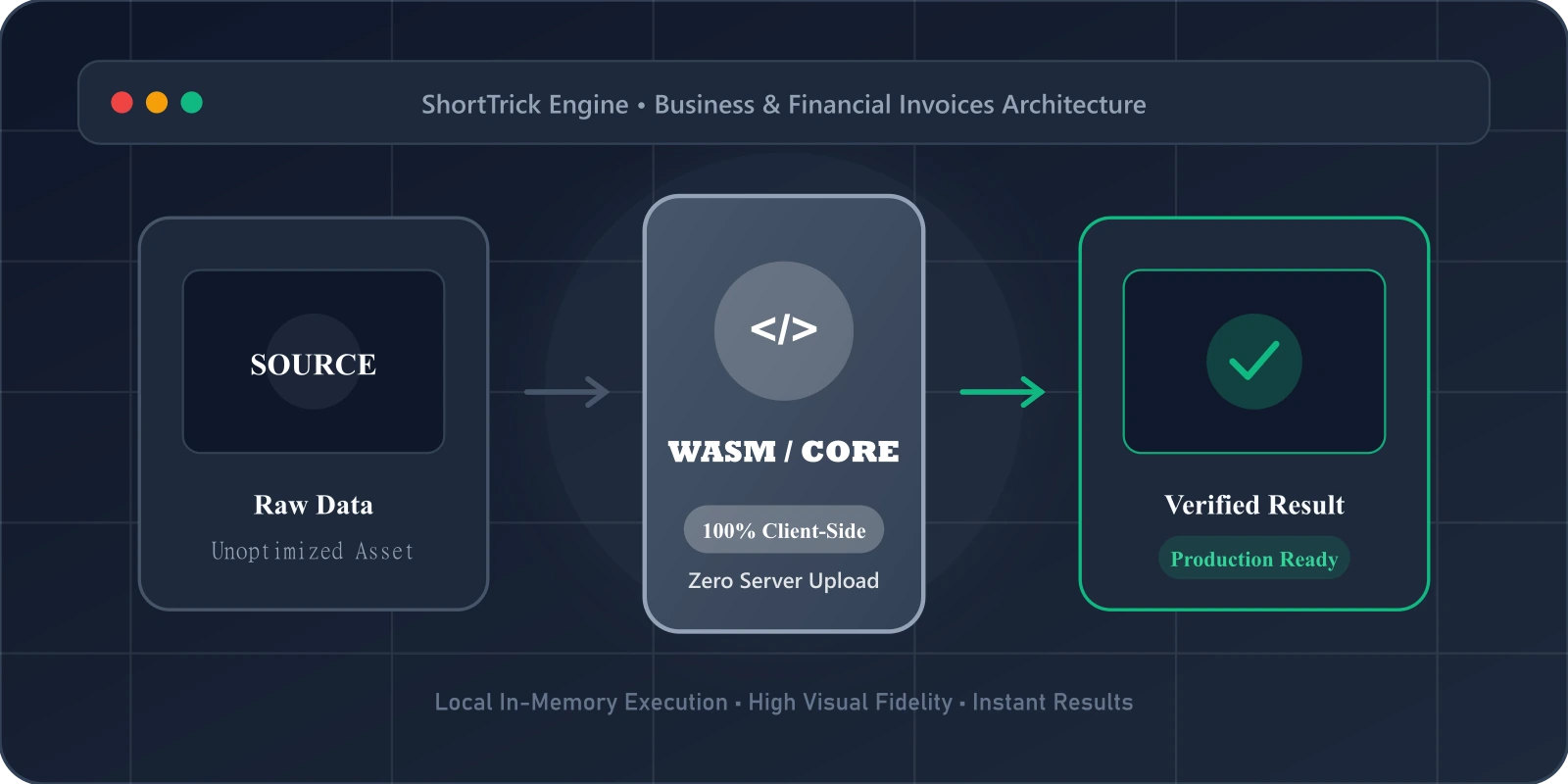
The client-side engine executes QR Code with Logo locally on your device hardware with zero server latency and 100% private in-memory sandboxing.
Preview & Download PNG
Inspect the processed file, compare file size savings or output quality, and click Download to save the finished PNG file directly to your disk.
Why Use QR Code with Logo on ShortTrick
Engineered for maximum speed, strict privacy, and frictionless digital productivity.
Blazing Fast Engine
Powered by compiled WebAssembly code running directly in your browser with sub-second execution for QR Code with Logo.
High-Fidelity Quality
Text, vector artwork and page structure are carried through as they are rather than flattened into pixels.
Generous 10 MB Size Limit
Handle files up to 10 MB and process up to 1 files in convenient batches with QR Code with Logo.
100% Private & Local
Files processed with QR Code with Logo never leave your computer or phone. No upload, no copy on a server, nothing for us to lose.
Supported Formats & Limits
Designed for high performance with browser-side memory guarantees.
10 MB
1
Frequently Asked Questions About QR Code with Logo
Common questions regarding QR Code with Logo, data privacy, file format compatibility, and usage limits.
Popular Searches & Related Tasks for QR Code with Logo
Common search phrases, secondary format tasks, and workflows users reach for when using this tool.
Direct Variations & Search Synonyms (8)
Specific Workflows & Long-Tail Queries (15)
Semantic Standards & Technical Entities (20)
QR codes and barcodes
They look like relatives and are used for opposite things. A barcode identifies a product against a database; a QR code carries the data itself. That single difference decides which one your job needs.
| QR code | Barcode (1D) | |
|---|---|---|
| Holds | Up to ~4,000 characters | Usually 8-14 digits |
| Carries the data itself | Yes | No — it is a lookup key |
| Scanned by | Any phone camera | A scanner, usually |
| Survives damage | Yes, 7-30% recoverable | No |
| Needs orientation | No | Yes |
| Used for | Links, Wi-Fi, UPI, contacts | Retail, inventory, shipping |
In practice: If a phone needs to read it, or it carries a URL, Wi-Fi credentials or a payment request, it is a QR code. If it identifies stock against your own system, it is a barcode. QR error correction is also why a logo can sit in the middle without breaking the scan.
Related Image & Graphics Tools & Popular Utilities
Explore complementary browser-based tools with zero file uploads and instant in-memory execution.
More Image & Graphics Tools
Popular Tools Across Other Categories
Related Reading & Tutorials
Guides, articles, and best practices for image & graphics workflows.

How to Put a Logo in a QR Code Without Breaking It