Drop a file here
About Signature Resizer — Free Online Tool
Signature Resizer trims the blank paper, fits the signature into the box WITHOUT distorting it, and compresses to a KB limit — the three things a form upload actually checks.
Finds the ink by luminance and alpha, crops to it, scales to fit while preserving the aspect ratio, and binary-searches the encoder for the size limit.
A signature is a sensitive thing to hand to a website. This one never leaves your browser.
Meeting an exam or bank form’s signature requirements, cleaning up a photographed signature, and getting under a strict KB limit.
Also known as: resize signature for form · signature size converter · exam form signature size
When to use it
Because form uploads reject signatures for three specific reasons, and all three are fixable before uploading rather than after being rejected.
How it works
The ink is located by luminance, the blank margin cropped away, the result scaled to fit the box with its proportions intact, and the file compressed to the limit.
Stretching Is What Gets It Rejected
A form asking for 140 × 60 is giving a maximum, not a shape to fill. Scaling a signature to exactly those dimensions distorts it — and a distorted signature does not match the one on record, which is the entire point of asking for it. This fits inside the box with the aspect ratio preserved and centres the result, which leaves margin and keeps the signature itself correct.
Trimming The Paper Is Most Of The Win
A photographed signature is mostly blank page. Scale that to a 140-pixel box and the signature occupies perhaps a third of it, so a third of the pixels your size limit allows do any work. Cropping to the ink first means the whole budget goes on the writing. The trim looks for dark pixels against the background, which is why a photograph taken in poor even light sometimes finds nothing — scanning, or raising the contrast first, fixes that.
Why It Is A JPEG On White
Most forms specify JPEG and some reject PNG outright. JPEG has no transparency, so a background is unavoidable, and white matches the paper a signature is normally on. If your form specifies PNG, switch — but check, because this is one of the few places where submitting the wrong format means starting the application again.
The Defaults Are A Shape, Not A Standard
There is no universal signature size. Requirements differ between organisations, between forms within one organisation, and between years. The defaults here are a common shape; read the actual instructions before relying on them, including whether the limit is on dimensions, file size, or both. And a point worth making plainly: this runs entirely in your browser precisely because a signature is not something to upload to a tool in order to prepare it for an upload.
How to Use Signature Resizer in 4 Easy Steps
Follow this simple guide to process your files in seconds directly inside your browser tab.
Select or Drop Your JPG/JPEG/PNG
Drag and drop your JPG/JPEG/PNG directly into the Signature Resizer workspace above or click 'Choose files'. You can process up to 1 file in a single run.
Set The Options
Signature Resizer gives you box width (px), box height (px), maximum size (kb) and trim the blank paper around the signature. The defaults are chosen to suit the common case, so this step is optional.
Instant In-Browser Execution
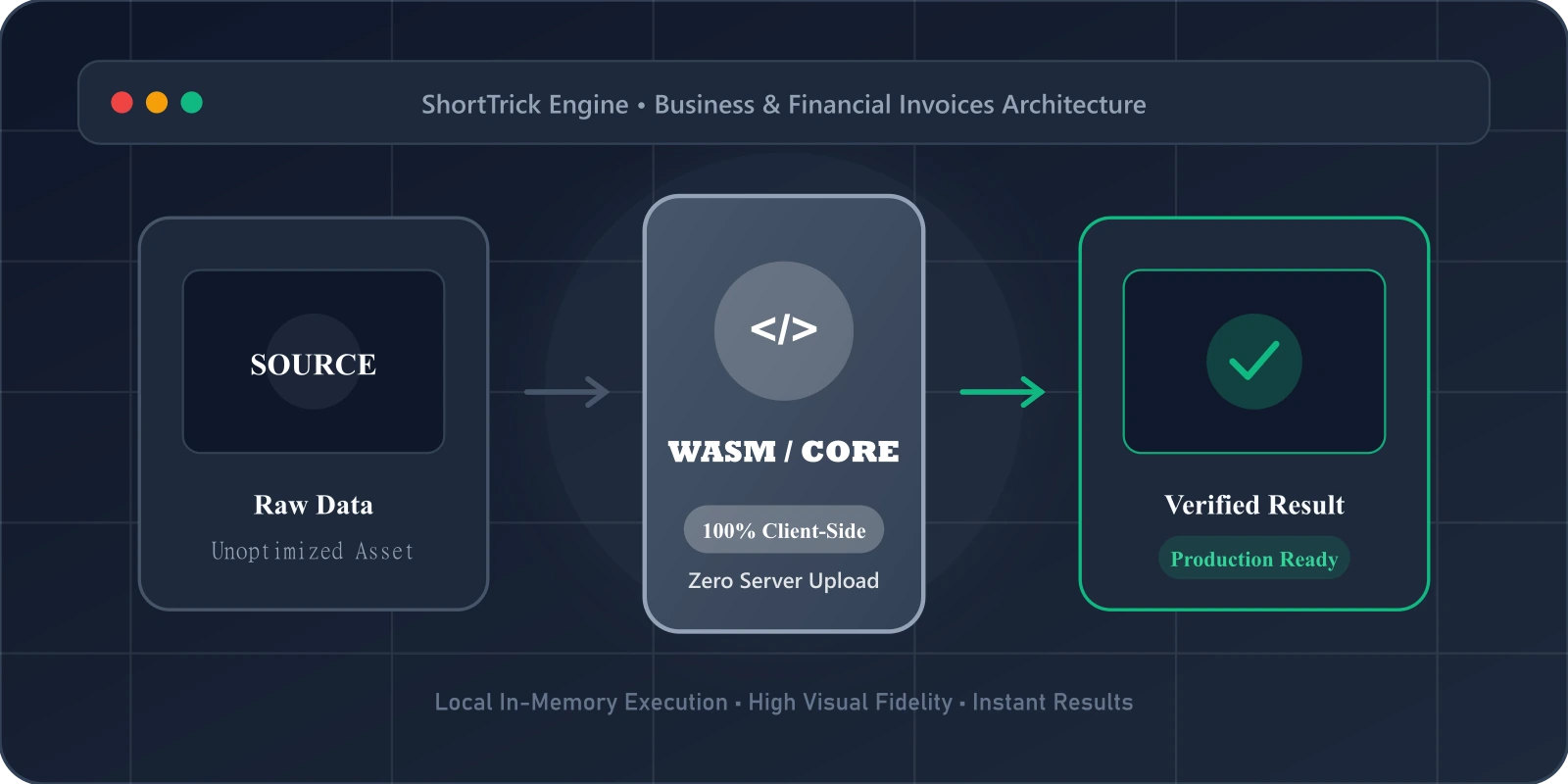
The client-side engine executes Signature Resizer locally on your device hardware with zero server latency and 100% private in-memory sandboxing.
Preview & Download JPG
Inspect the processed file, compare file size savings or output quality, and click Download to save the finished JPG file directly to your disk.
Why Use Signature Resizer on ShortTrick
Engineered for maximum speed, strict privacy, and frictionless digital productivity.
Blazing Fast Engine
Powered by compiled WebAssembly code running directly in your browser with sub-second execution for Signature Resizer.
High-Fidelity Quality
Resampling and re-encoding are done at full bit depth, so colours stay true and no generation of quality is lost beyond the one you ask for.
Generous 0 MB Size Limit
Handle files up to 0 MB and process up to 1 files in convenient batches with Signature Resizer.
100% Private & Local
Files processed with Signature Resizer never leave your computer or phone. No upload, no copy on a server, nothing for us to lose.
Supported Formats & Limits
Designed for high performance with browser-side memory guarantees.
0 MB
1
Frequently Asked Questions About Signature Resizer
Common questions regarding Signature Resizer, data privacy, file format compatibility, and usage limits.
Popular Searches & Related Tasks for Signature Resizer
Common search phrases, secondary format tasks, and workflows users reach for when using this tool.
Direct Variations & Search Synonyms (8)
Specific Workflows & Long-Tail Queries (15)
Semantic Standards & Technical Entities (20)
Resize, crop, compress and DPI are four different operations
All four are reached for when a file is "too big", and only two of them make it smaller in the way the person meant. DPI is the one that causes the most wasted time, because changing it is usually the one thing that does nothing at all.
| Operation | Changes pixel count | Changes what is in frame | Loses quality | Use when |
|---|---|---|---|---|
| Resize | Yes | No | Only going larger | The image is too many pixels |
| Crop | Yes | Yes | No | The framing is wrong |
| Compress | No | No | Yes | The file size is too big |
| Change DPI | No | No | No | A printer or form demands a number |
In practice: DPI is a label, not a quality. Changing it alters a number written in the file and touches not one pixel, so a form rejecting an upload for "low DPI" is almost always rejecting pixel dimensions instead. If an upload limit is in kilobytes, compress. If it is in pixels, resize. Enlarging never adds detail that was not photographed, whatever the file says afterwards.
Related Image & Graphics Tools & Popular Utilities
Explore complementary browser-based tools with zero file uploads and instant in-memory execution.
More Image & Graphics Tools
Popular Tools Across Other Categories
Related Reading & Tutorials
Guides, articles, and best practices for image & graphics workflows.