About Printable Label Maker — Free Online Tool
Printable Label Maker lays your text out on a real label sheet — Avery 5160, L7160 or 5163, or a sheet you measure yourself — and gives you a PDF positioned for that sheet rather than a page of boxes you have to align by hand.
The three presets carry the actual published dimensions of those sheets, including the pitch, which is the measurement that matters: a label's width plus the gap to the next one. A preset with a guessed pitch wastes a sheet of labels, so only layouts whose dimensions are well established are offered and everything else is the custom option, in millimetres or inches. Labels are separated by a blank line, so one label can hold several lines. Text is wrapped by measuring the real font rather than counting characters, so what you see described is what will print, and a label with more text than fits is clipped and counted in the report instead of overflowing into its neighbour. The PDF uses pdf-lib's built-in Helvetica, which is a WinAnsi font: curly quotes, em dashes and ellipses are converted automatically, and anything outside Latin-1 — Devanagari, Chinese, Arabic — is replaced with a question mark and counted, because an embedded font is not included here.
Labels are laid out and the PDF written by pdf-lib inside this page. Addresses, names, box contents and anything else you type stay on the device.
Printing a sheet of FRAGILE and THIS WAY UP labels before a move, numbering boxes with their contents, labelling jars or files with one repeated design, and running a plain-paper test page before committing a sheet of labels to the printer.
Also known as: avery label template · printable labels · label template pdf · sticker label maker · lable maker
When to use it
The hard part of printing labels is not the text, it is the alignment — a millimetre of drift puts every label half off its backing. Working from the sheet's published pitch rather than an eyeballed grid is what makes the output land where the labels are.
How it works
A blank line separates one label from the next, so a label may be several lines. Each label's text is wrapped against the real font metrics inside the usable width, then drawn at the position the sheet's pitch puts it, counted from the top of the page.
Print One Test Page On Plain Paper First
This is the advice that saves the most paper, so the tool repeats it on every run: print one page on ordinary paper, then hold it against a sheet of labels in front of a window. Printers differ by a millimetre or two in how they feed, and a sheet of labels is not a cheap thing to discover that on.
Print At 100%, Never Fit To Page
"Fit to page", "shrink to fit" and "scale to printable area" all resize the output, and any of them will put every label out of alignment. In most print dialogs the setting you want is called Actual Size, or Scale: 100%. This is the second commonest cause of a ruined sheet after the wrong template.
Why Only Three Presets
Avery 5160/8160, L7160 and 5163 are included because their dimensions and pitch are well established. Every other sheet is the custom option, where you measure your own: the label size, the margins to the first label, and the gaps between. A preset built on a guessed pitch would waste the sheet it was meant to save.
Outlines Are For The Test Page
They are off by default, because a printed border on a label looks like a mistake. Turn them on for the plain-paper test, where they show exactly where each label will land, then turn them off for the real sheet.
The Font Limitation, Stated
The PDF uses a standard Helvetica, which can only encode Latin-1. Curly quotes, em dashes, ellipses and bullets are substituted automatically for their plain equivalents; Devanagari, Chinese, Japanese, Arabic and Cyrillic become question marks, and the count of substituted characters is reported rather than left for you to find on the printed sheet.
How to Use Printable Label Maker in 4 Easy Steps
Follow this simple guide to process your files in seconds directly inside your browser tab.
Enter Input for Printable Label Maker
Provide your input data or parameters in the workspace above. A label-sheet typesetter: it places your text into the grid of a specific label sheet and gives you the PDF to print on it.
Configure Options
Adjust available settings to match your requirements. The hard part of printing labels is not the text, it is the alignment — a millimetre of drift puts every label half off its backing. Working from the sheet's published pitch rather than an eyeballed grid is what makes the output land where the labels are.
Process Instantly
Execute Printable Label Maker locally in your browser with immediate real-time feedback.
Review & Copy Result
Copy or download your finalized results directly to your device.
Why Use Printable Label Maker on ShortTrick
Engineered for maximum speed, strict privacy, and frictionless digital productivity.
Blazing Fast Engine
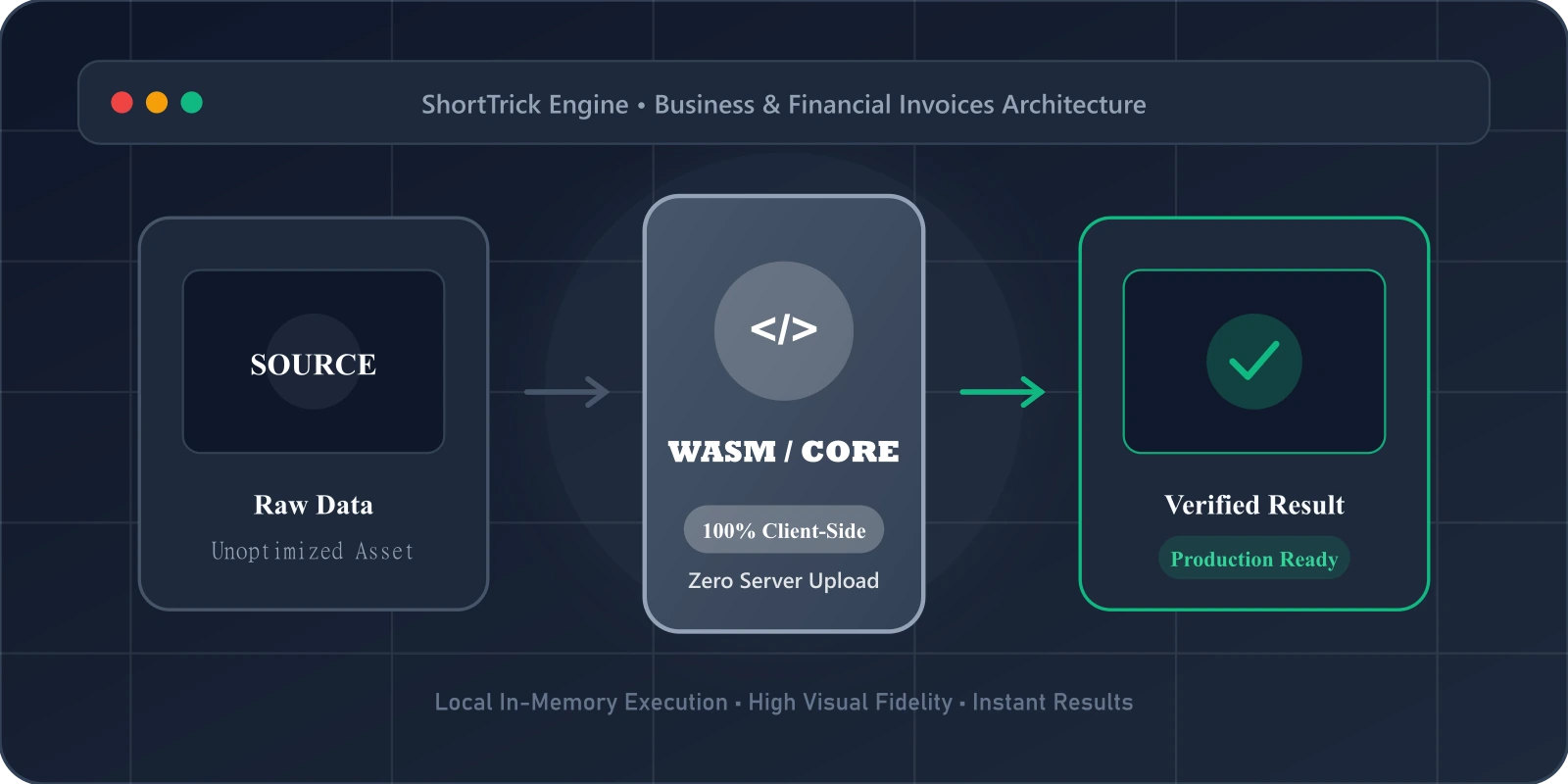
Powered by compiled WebAssembly code running directly in your browser with sub-second execution for Printable Label Maker.
High-Fidelity Quality
Text, vector artwork and page structure are carried through as they are rather than flattened into pixels.
High-Performance Engine
Processes data in Printable Label Maker with sub-second execution latency and zero artificial caps.
100% Private & Local
Files processed with Printable Label Maker never leave your computer or phone. No upload, no copy on a server, nothing for us to lose.
Frequently Asked Questions About Printable Label Maker
Common questions regarding Printable Label Maker, data privacy, file format compatibility, and usage limits.
Popular Searches & Related Tasks for Printable Label Maker
Common search phrases, secondary format tasks, and workflows users reach for when using this tool.
Direct Variations & Search Synonyms (8)
Specific Workflows & Long-Tail Queries (15)
Semantic Standards & Technical Entities (20)
Printable Label Maker compared with the closest alternatives
Only the specifications that actually differ between these 4 tools. Anything identical across all of them is left out rather than printed four times.
| Printable Label Maker | Address Label Generator | Flashcard Maker | Invoice Generator | |
|---|---|---|---|---|
| Accepts | TEXT | TEXT | TEXT | JSON |
| Returns | PDF, JSON |
Related Business Documents Tools & Popular Utilities
Explore complementary browser-based tools with zero file uploads and instant in-memory execution.
More Business Documents Tools
Popular Tools Across Other Categories
Related Reading & Tutorials
Guides, articles, and best practices for business documents workflows.
How To Print Label Sheets That Actually Line Up

How to Make a Printable Maze That Has Exactly One Answer
How to Make Graph Paper That Prints at the Right Size
How to Build a Printable Calendar Without the Timezone Bug

How to Use Passport Photo Maker Online: Step-by-Step Guide