Ready to Execute
Click the blue ▶ Run button in the header bar or press Ctrl + Enter to compile and preview your results.
About File Encoding Detector — Free Online Tool
File Encoding Detector reports whether a text file is UTF-8, UTF-16 or a single-byte encoding, distinguishes Windows-1252 from ISO-8859-1 where the bytes allow it, and counts the line endings.
Checks for a byte-order mark, validates UTF-8 strictly with a fatal TextDecoder, analyses null-byte positions for UTF-16, and looks at the 0x80–0x9F range to separate Windows-1252.
The first 64 KB are read in your browser. Nothing is uploaded.
Diagnosing mojibake, finding a stray BOM, checking before importing a CSV, and working out why a file imports differently on another machine.
Also known as: check file encoding · utf-8 or ansi · detect character encoding · bom checker · mojibake fix · windows-1252 detector
When to use it
Because an encoding is not recorded in the file. Software guesses, different software guesses differently, and the result is a name with a question mark through it.
How it works
A byte-order mark is a declaration and settles it. Otherwise UTF-8 is validated strictly, null-byte positions reveal UTF-16, and the 0x80–0x9F range separates Windows-1252 from ISO-8859-1.
Strict UTF-8 Validation Is Almost A Proof
UTF-8 has a rigid multi-byte structure: a lead byte declares how many continuation bytes follow, and each of those must be in a specific range. Arbitrary bytes from another encoding violate that structure almost immediately in any file of reasonable size. So "every high byte forms a valid UTF-8 sequence" is strong evidence rather than a heuristic — it is the one encoding test that is close to definitive.
The BOM Is The Only Declaration
A byte-order mark is the sole place a text file states its own encoding, and it is genuinely useful for UTF-16, where endianness would otherwise be guesswork. For UTF-8 it is legal and frequently unwanted: three invisible bytes before the first character break a shebang line, make a PHP file emit output before its headers, give a CSV a hidden prefix on its first column name, and stop a JSON parser finding the opening brace. Unix tooling rarely writes one; Windows tools often do.
Windows-1252 Is Why Your Quote Looks Wrong
Windows-1252 and ISO-8859-1 are identical except for the range 0x80 to 0x9F, which 8859-1 leaves as unused control codes and 1252 fills with curly quotes, the em dash, the ellipsis and the euro sign. Those are exactly the characters a word processor inserts automatically, which is why a document saved there and read as UTF-8 shows a strange character where the apostrophe should be. If a file uses that range, it is Windows-1252 — and this tool reports which evidence it found.
Short Files Are Genuinely Ambiguous
Encoding detection is inference, and a file of a few words in plain ASCII is valid in essentially every encoding there is — there is no answer to find. The same applies to a file with one high byte: it could be several things and nothing in the file distinguishes them. A tool that returns a confident encoding for every input is overstating what can be known, which is why the reasoning is printed here alongside the verdict.
How to Use File Encoding Detector in 4 Easy Steps
Follow this simple guide to process your files in seconds directly inside your browser tab.
Provide Input for File Encoding Detector
Paste your payload, code snippet, or string into the File Encoding Detector editor workspace. An analysis of a text file’s bytes to work out which character encoding they represent, and what line endings it uses.
Configure Formatting & Validation Rules
Select indentation preferences, minification, encoding options, or validation rules. Because an encoding is not recorded in the file. Software guesses, different software guesses differently, and the result is a name with a question mark through it.
Run In-Browser Engine
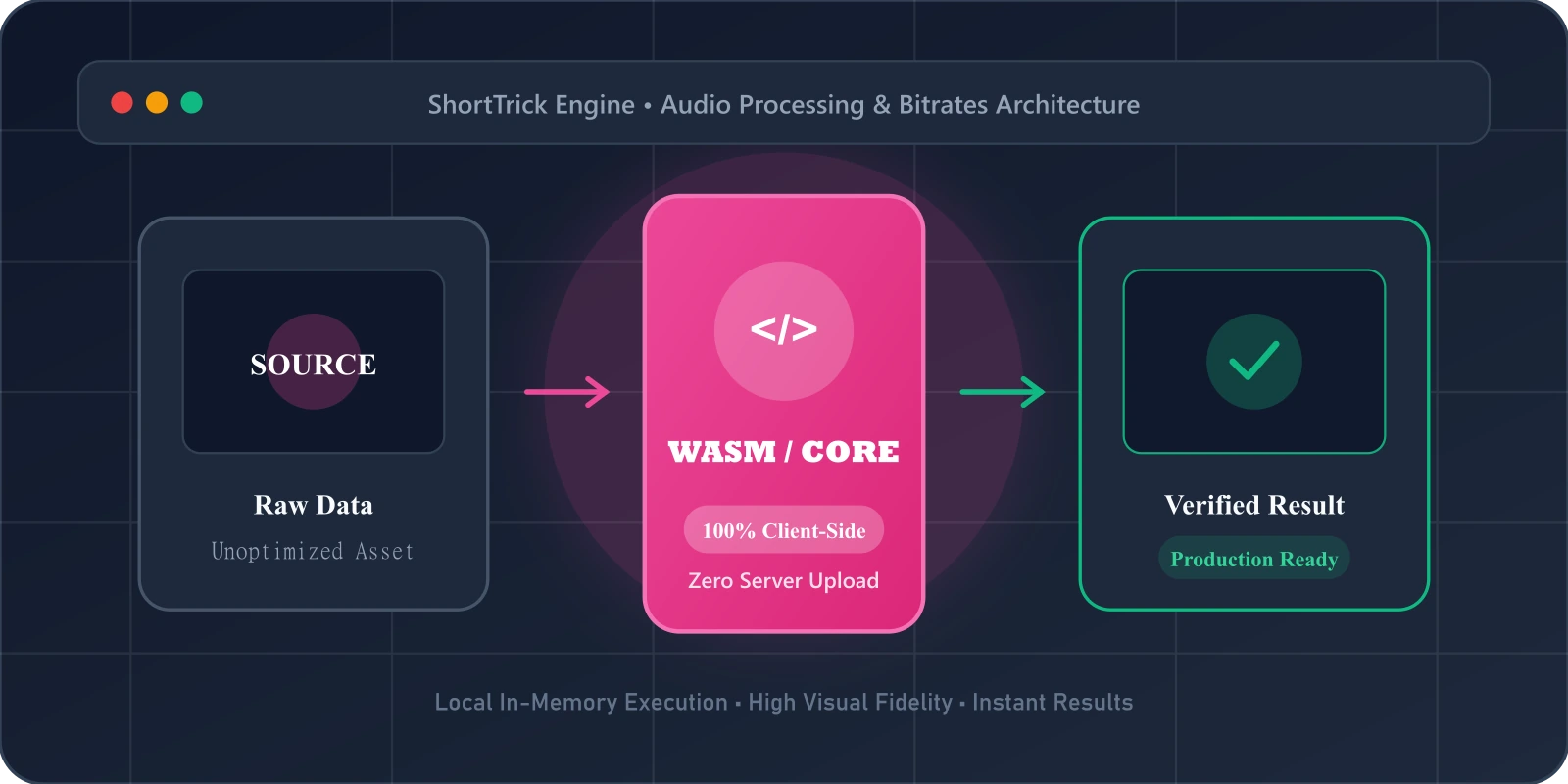
The engine executes File Encoding Detector locally in your browser with microsecond latency and zero server transmission.
Copy or Download Output
Copy the sanitized, formatted, or generated output directly to your clipboard or download it for your project.
Why Use File Encoding Detector on ShortTrick
Engineered for maximum speed, strict privacy, and frictionless digital productivity.
Zero Code or Token Leaks
Proprietary source code, API keys, database queries, and tokens processed in File Encoding Detector never leave your browser.
Microsecond Performance
Optimized AST parsers and Web Crypto APIs process large payloads in File Encoding Detector in milliseconds.
Syntax Validation & Formatting
File Encoding Detector highlights syntax errors and enforces standard formatting conventions automatically.
Offline Ready
Once loaded, File Encoding Detector functions entirely offline without requiring an active internet connection.
Supported Formats & Limits
Designed for high performance with browser-side memory guarantees.
0 MB
1
Frequently Asked Questions About File Encoding Detector
Common questions regarding File Encoding Detector, data privacy, file format compatibility, and usage limits.
Popular Searches & Related Tasks for File Encoding Detector
Common search phrases, secondary format tasks, and workflows users reach for when using this tool.
Direct Variations & Search Synonyms (8)
Specific Workflows & Long-Tail Queries (15)
Semantic Standards & Technical Entities (20)
Three different claims about what a file is
A file announces its type in three places, and they are allowed to disagree. Only one of them is written by whatever created the file; the other two are claims anybody can change, which is exactly why relying on the convenient one is a standard security mistake.
| Signal | Lives in | Set by | Trustworthy |
|---|---|---|---|
| Extension | The filename | Anyone who renames it | No |
| MIME type | The HTTP header | The server, often guessing | Only as far as the server |
| Magic bytes | The first bytes of the file | The program that wrote it | Largely yes |
| Encoding | The bytes throughout | The program that wrote it | Detected, not declared |
In practice: Renaming a file changes nothing about it, which is why an upload accepted on its extension alone is a hole: the bytes inside decide what actually runs. Encoding is a separate question again, and a mis-detected one is what turns an apostrophe into three strange characters. A server sending the wrong MIME type is its own category of problem, and it is the reason a correct script can refuse to load with no error that mentions the script.
Related Developer Tools Tools & Popular Utilities
Explore complementary browser-based tools with zero file uploads and instant in-memory execution.
More Developer Tools Tools
Popular Tools Across Other Categories
Related Reading & Tutorials
Guides, articles, and best practices for developer tools workflows.

How to Detect a File's Encoding (And Why Your Quote Looks Wrong)
How to Read a HAR File and Find What Made a Page Slow
How to Strip Secrets From a HAR Before You Share It