Ready to Execute
Click the blue ▶ Run button in the header bar or press Ctrl + Enter to compile and preview your results.
About File Splitter — Free Online Tool
File Splitter divides a file by size, by part count or by line count, with zero-padded names so a shell glob rejoins them in the right order — and the rejoin command for both platforms.
Byte-exact splitting verified by round trip. Line mode keeps records whole and can repeat a CSV header in every part, which byte splitting cannot.
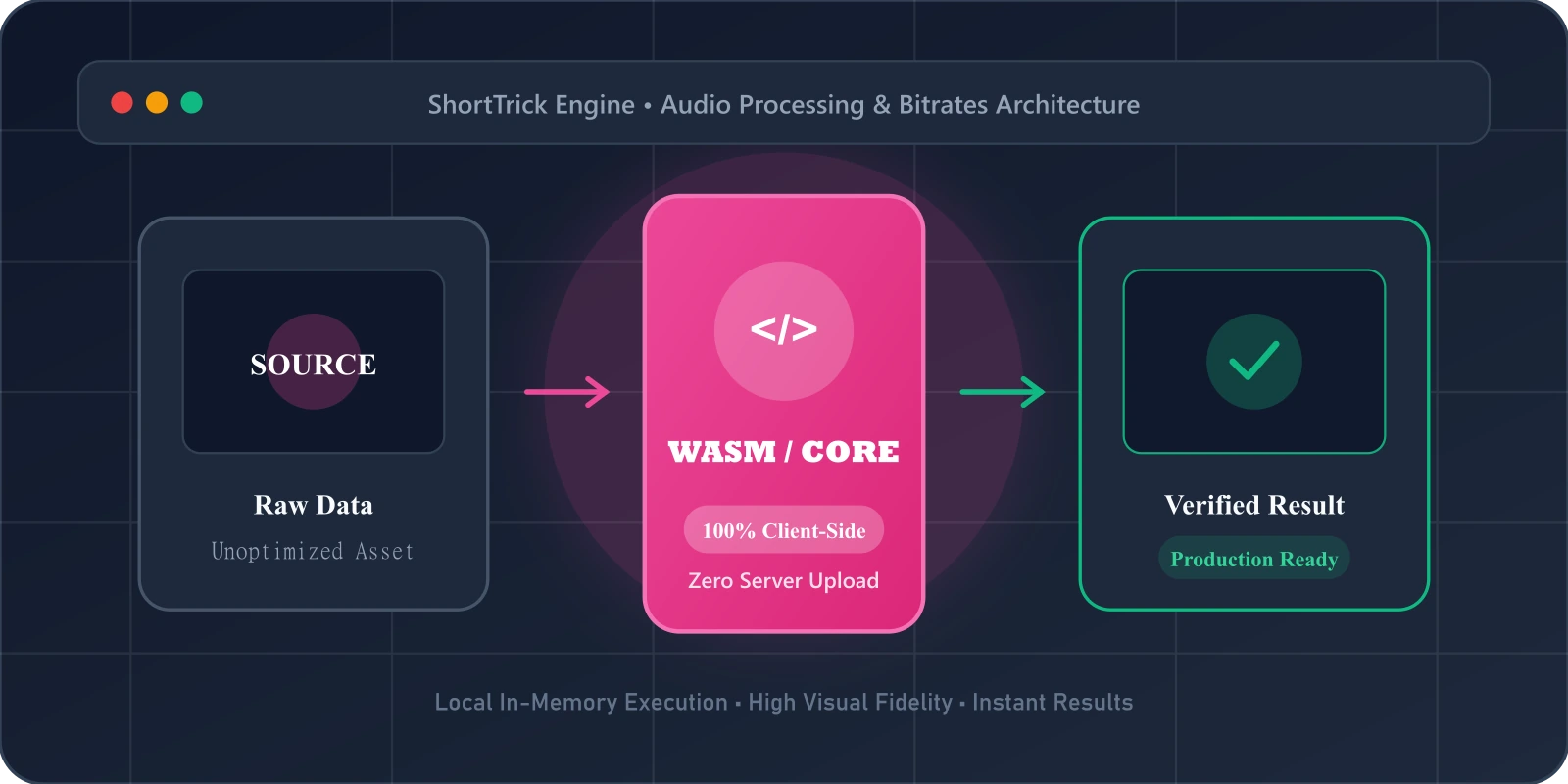
Chunks are cut from the file in the page itself. Nothing is transmitted.
Getting a large file past an upload limit, splitting a CSV into workable chunks, and breaking a log file into parts an editor can open.
Also known as: split large file · break file into parts · divide file into chunks
When to use it
Because upload limits, email attachment caps and editors that choke on a gigabyte are all real, and the alternative is usually a desktop tool you do not have.
How it works
Byte mode slices the file at fixed offsets. Line mode decodes it as text and splits on line boundaries, optionally repeating a CSV header in each part.
A Byte-Split Part Does Not Open On Its Own
Part 1 of a split JPEG is not a smaller JPEG; it is the first N bytes of one. The same is true for every format. The parts are raw byte ranges and must be rejoined in order before the file is usable again, which is worth being clear about because a part that will not open looks like a failed split rather than the expected result.
Zero Padding Is Not Decoration
The parts are named .001, .002, .003 rather than .1, .2, .3 because a shell glob and most file managers sort alphabetically. Without padding, part 10 sorts between part 1 and part 2, and the rejoined file is silently corrupt — right size, wrong order, which is far harder to notice than a missing part. With padding, "cat file.*" is correct by construction.
Line Mode Keeps Records Whole
Splitting a CSV by size will cut a row in half, leaving the last row of one part and the first of the next both unusable. Splitting by line count cannot. And repeating the header in every part means each one opens correctly as a spreadsheet on its own — which is usually what you want, and which means the parts can no longer simply be concatenated back together without removing the repeats. Both behaviours are choices with consequences, so both are stated.
Verify After Rejoining
Compare the file size against the original, and a checksum if you have one. A missing part gives a file of the wrong size, which is obvious; parts joined in the wrong order give a file of the RIGHT size that is corrupt, which is not. On Linux or macOS, "cat file.* > file"; on Windows, "copy /b part1+part2 file". Both commands are printed with your actual filenames in the result.
How to Use File Splitter in 4 Easy Steps
Follow this simple guide to process your files in seconds directly inside your browser tab.
Provide Input for File Splitter
Paste your payload, code snippet, or string into the File Splitter editor workspace. A splitter that divides a file into parts — by byte count for anything, or by line count for text, where records can be kept whole.
Configure Formatting & Validation Rules
Select indentation preferences, minification, encoding options, or validation rules. Because upload limits, email attachment caps and editors that choke on a gigabyte are all real, and the alternative is usually a desktop tool you do not have.
Run In-Browser Engine
The engine executes File Splitter locally in your browser with microsecond latency and zero server transmission.
Copy or Download Output
Copy the sanitized, formatted, or generated output directly to your clipboard or download it for your project.
Why Use File Splitter on ShortTrick
Engineered for maximum speed, strict privacy, and frictionless digital productivity.
Zero Code or Token Leaks
Proprietary source code, API keys, database queries, and tokens processed in File Splitter never leave your browser.
Microsecond Performance
Optimized AST parsers and Web Crypto APIs process large payloads in File Splitter in milliseconds.
Syntax Validation & Formatting
File Splitter highlights syntax errors and enforces standard formatting conventions automatically.
Offline Ready
Once loaded, File Splitter functions entirely offline without requiring an active internet connection.
Supported Formats & Limits
Designed for high performance with browser-side memory guarantees.
0 MB
1
Frequently Asked Questions About File Splitter
Common questions regarding File Splitter, data privacy, file format compatibility, and usage limits.
Popular Searches & Related Tasks for File Splitter
Common search phrases, secondary format tasks, and workflows users reach for when using this tool.
Direct Variations & Search Synonyms (8)
Specific Workflows & Long-Tail Queries (15)
Semantic Standards & Technical Entities (20)
ZIP, TAR, 7z and RAR
Two separate jobs hide inside the word "archive": putting many files into one, and making that one file smaller. ZIP does both at once, TAR only does the first, and that single difference explains most of what follows.
| ZIP | TAR | TAR.GZ | 7z | RAR | |
|---|---|---|---|---|---|
| Bundles files | Yes | Yes | Yes | Yes | Yes |
| Compresses | Yes | No | Yes | Yes, best ratio | Yes |
| Extract one file fast | Yes | Yes | No | Yes | Yes |
| Keeps Unix permissions | Partly | Yes | Yes | Partly | Partly |
| Opens with no extra software | Yes | Mac and Linux | Mac and Linux | No | No |
| Free to create | Yes | Yes | Yes | Yes | No |
In practice: ZIP when anyone else has to open it, because every operating system opens it without installing anything. TAR.GZ compresses the whole bundle as one stream, which is why it is smaller than ZIP and why pulling a single file out of it means reading through everything before it. RAR is the odd one: extracting is free, creating one needs licensed software.
Related Developer Tools Tools & Popular Utilities
Explore complementary browser-based tools with zero file uploads and instant in-memory execution.
More Developer Tools Tools
Popular Tools Across Other Categories
Related Reading & Tutorials
Guides, articles, and best practices for developer tools workflows.